
What Each Version Means
| Product | Licensing Model | Update Model | Intended Use |
|---|---|---|---|
| Microsoft 365 | Subscription (monthly/yearly) | Continuous feature updates | Personal, business, or enterprise use |
| Office Professional 2024 | One-time purchase | Security updates only | Business or professional use |
| Office 2024 Home | One-time purchase | Security updates only | Personal/home use only |
Product Overview
- Edition: Microsoft Office Home 2024
- License: Lifetime validity (one-time purchase)
- Delivery: Digital key via email within 2–3 hours
- Platform: Compatible with Windows 10/11 and macOS
- Apps Included: Word, Excel, PowerPoint (no Outlook, Access, or Publisher)
⭐ User Ratings & Feedback
- Amazon 4.4 stars from 88 ratings – marked as “Amazon’s Choice” for fast delivery and reliability.
- Flipkart: No user reviews yet, but the listing emphasizes secure payments and authenticity.
✅ Pros
- Fast email delivery (often within 3 hours)
- One-time payment, no subscription
- Works on both PC and Mac
- Ideal for students and families
⚠️ Cons
- No Outlook or Access (not suitable for business users)
- Non-returnable and non-cancellable once purchased
- Must verify seller authenticity to avoid grey-market keys
Microsoft Office Home 2024
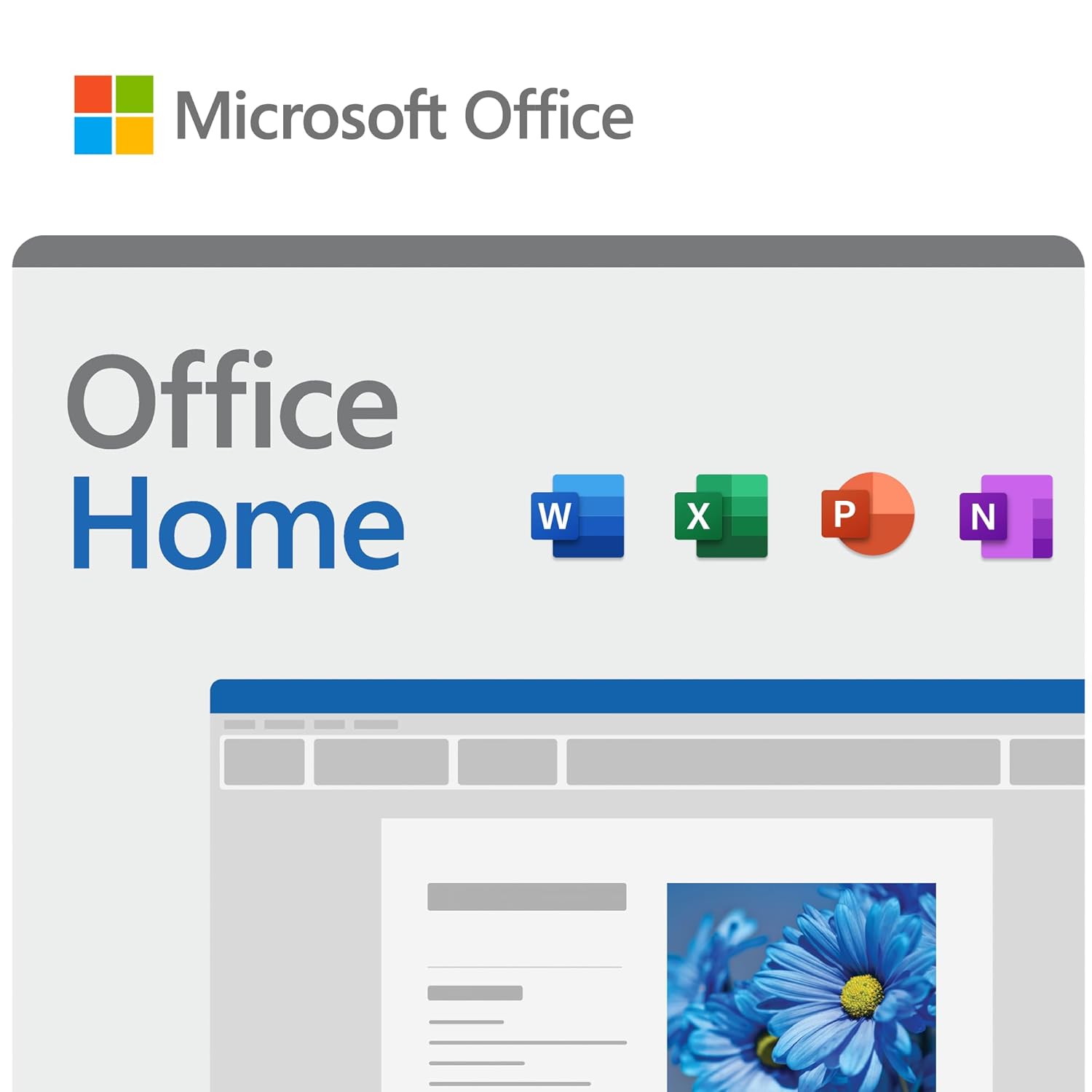
Lifetime Validity – Email Delivery
- One-time purchase for 1 PC or Mac – Lifetime access to Office 2024 Home no monthly subscriptions required.
- Includes Word, Excel, PowerPoint, Outlook & OneNote – Essential tools for productivity, home, and business use.
- Perfect for professionals, students, and small businesses – Create documents, analyze data, manage emails and more.
- Offline Use After Activation – Internet required only during installation; all applications work offline once set up.
- Works with your Microsoft account – Activate via official site, supports Windows 10/11 and macOS (latest versions)
💡 Buying Tips
- Prefer sellers like FPC Retail (Amazon) or Flipkart Assured for reliability
- Save your product key and link it to your Microsoft account for future reactivation
- Check system compatibility before purchase
✅ What to Do Before Reinstalling
- Save your product key: This is crucial. If it was emailed to you, keep that email safe or note down the key.
- Link to Microsoft account: If your Office license is linked to your Microsoft account, you can easily reinstall and reactivate it later via https://account.microsoft.com.
- Backup your installer: Download the setup file from https://setup.office.com or save the one provided by the seller.
Pingback: Microsoft 365 Family – 12-Month Subscription Review - agnetworking
Pingback: Microsoft Office 2021 Professional - Lifetime Validity - Windows only Email delivery in 2 Hours- no CD - Email Bind Key Digital Edition - agnetworking
Pingback: Here’s a clear breakdown of the differences between Microsoft 365, Office 2024, and Office 2024 Home Edition, along with guidance on which suits different types of users best: - agnetworking Differences Microsoft 365 vs Office 2024 vs Office 2024 Home
Pingback: Ms Office 2024 Pro LTSC: Unbeatable Value - agnetworking